
Westio Casino - Mobile App & Mobile Slots Play Guide
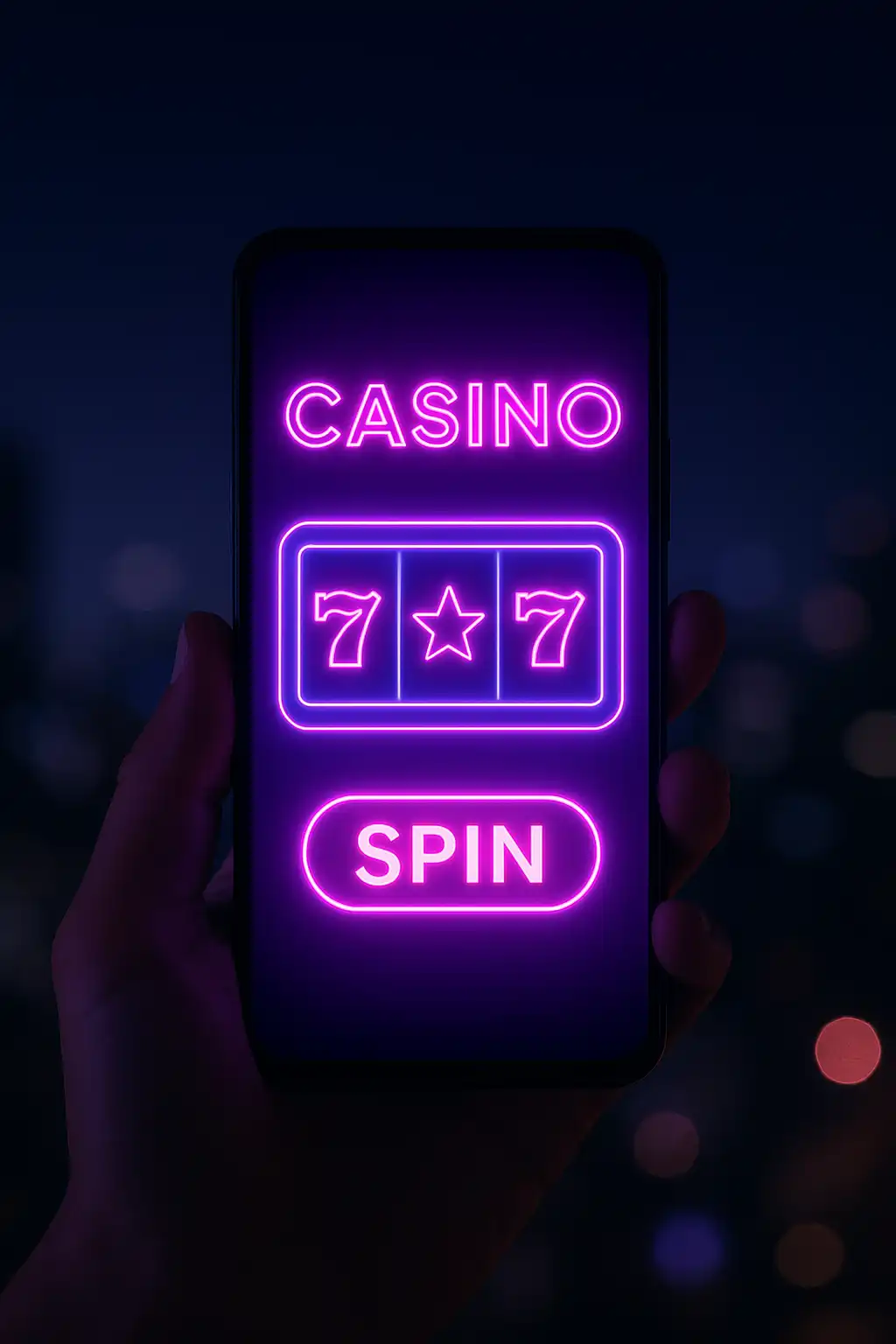
Westio Casino built its entire platform around the assumption that most players would rather spin from a phone than sit down at a desktop. That bet paid off: the mobile experience here runs smoother, loads faster and feels more native than most dedicated casino apps on the market, without requiring a single download.
No Download, No Problem
Rather than forcing players through an app store, a lengthy install and inevitable storage warnings, Westio runs as a progressive mobile site that loads directly in any modern browser. That means instant access from a shared link, no update prompts interrupting a session and zero risk of an outdated app version missing the newest promotions. Bookmark the site or add it to the home screen for an icon that behaves exactly like a native app shortcut.
Getting Started on Mobile
- Open the Westio site in any mobile browser, Safari, Chrome or otherwise.
- Tap the sign-up button and complete registration in under two minutes.
- Head to the cashier, choose a payment method and deposit at least 20 Euro.
- Watch the 200% welcome match land instantly, then pick a slot from the hot list.
- Optionally add the site to the home screen for one-tap access going forward.
What Works Identically to Desktop
Every feature available on desktop carries over to mobile without compromise:
- Full slot catalogue, including bonus buy features and progressive jackpots
- Live dealer tables, streamed in a mobile-optimised player
- Full cashier access for deposits and withdrawals
- Account dashboard, including deposit limits and self-exclusion tools
- Live chat support, docked for easy access during a session
- Promotions tab, including the Tuesday Reload Rush and Weekend Free Spins Drop
Mobile Performance Benchmarks
| Metric | Performance |
|---|---|
| Average page load | Under 2 seconds on 4G |
| Slot load time | Under 1.5 seconds per title |
| Supported OS | iOS 14+, Android 9+ |
| Browser compatibility | Safari, Chrome, Firefox, Samsung Internet |
| App download required | No |
Mobile Banking
Depositing and withdrawing on mobile uses the exact same cashier as desktop, with no reduced feature set. Card payments, e-wallets, bank transfer and crypto are all supported through the mobile browser, and biometric login, where supported by the device, speeds up repeat visits to the cashier considerably.
Touch-Optimised Slot Play
Slot interfaces on Westio’s mobile site are built with touch targets sized for actual fingers rather than shrunk-down desktop buttons. Spin buttons, bet adjustment controls and bonus round prompts are all large enough to tap confidently mid-session, even one-handed on a bus or train. Portrait and landscape orientations are both supported, with landscape mode recommended for titles featuring wider bonus wheels like Crazy Time.
Notifications and Staying in the Loop
Players who enable browser notifications receive alerts for new promotions, including surprise reload bonuses and the Weekend Free Spins Drop, directly on their lock screen. This is the fastest way to catch limited-time offers before they expire, since the promotions tab updates in real time alongside the notification.
Data Usage and Connectivity
The mobile site is built to run comfortably on standard 4G connections without heavy data consumption, and most slot assets cache locally after the first load, meaning repeat visits use noticeably less data than a first session. Players on limited data plans can play a full session without concern, and the site gracefully handles brief connectivity drops without losing an active spin.
Security on Mobile
All mobile traffic runs over the same SSL-encrypted connection used on desktop, and sensitive actions like withdrawals or changing account details can be configured to require a secondary confirmation step for extra peace of mind. Session timeouts on mobile are slightly more conservative than desktop as a security measure, automatically logging out an idle session after a short period of inactivity.
Comparing Mobile Browser Play to a Native App
A common question from new players is why Westio skips a traditional app store listing altogether. The honest answer is that a well-built mobile browser experience now matches, and in several ways beats, a native app. There is no install size eating into phone storage, no waiting for an app store review before a new feature or slot title ships, and no risk of Apple or Google pulling a casino app from their store over policy changes, something that has disrupted other operators in the past. Updates to the Westio mobile site go live instantly for every player simultaneously, rather than rolling out gradually as users individually update an installed app.
Tablet and Cross-Device Play
Beyond phones, the mobile-first design scales cleanly to tablets as well, with layouts adjusting to take advantage of the extra screen real estate without feeling stretched or sparse. A player can start a session on a phone during a commute, pick it back up on a tablet at home and finish on a desktop later that evening, with the account balance, active bonus progress and session history following seamlessly across every device.
Why Mobile Is the Westio Default
The decision to build mobile-first rather than retrofitting a desktop site was deliberate. Most new sign-ups now happen on a phone, most sessions are shorter and more frequent rather than long desktop marathons, and the neon visual identity of the brand translates naturally to a vertical phone screen. Westio’s mobile experience is not a secondary option, it is the primary way most players will ever interact with the casino, and the platform was engineered with that reality front and centre.